
Introduction
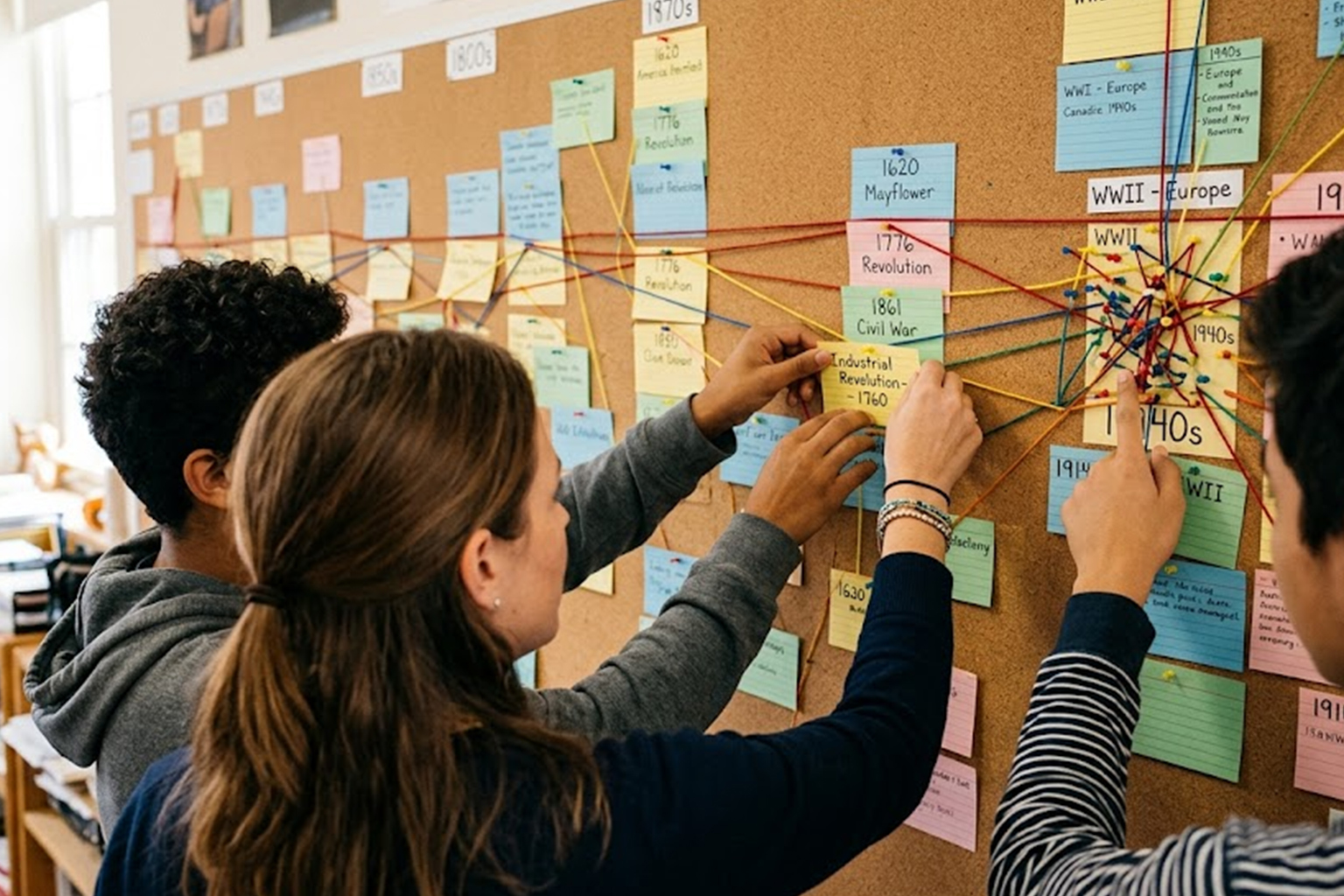
Timelines help readers see cause and effect across periods and movements. Effective timelines balance clarity with context to guide interpretation. They are tools for teaching, presenting research, and structuring narratives about change. This article outlines a practical approach to planning and designing timelines for projects of any scale.
Plan with purpose and audience in mind
Begin by defining the timeline’s purpose and the audience you intend to reach. A classroom timeline differs in scope and detail from a public exhibition or a research appendix. Decide whether the focus is thematic, chronological, or centered on a specific figure or event cluster. Establishing scope early prevents clutter and keeps the narrative coherent across entries.
Clarifying purpose also guides decisions about length, granularity, and visual emphasis. It helps prioritize events that serve the story you want to tell.
Select events and determine appropriate scale
Choose events that advance the timeline’s central argument or illustrate meaningful connections between developments. Avoid listing every date; instead, highlight turning points and representative moments that help readers trace trends. Consider scale carefully — decades, years, or days — and maintain consistency unless intentional zooms are used. Footnotes or expandable details can accommodate additional context without overwhelming the main line.
- Prioritize impact over completeness.
- Use supplemental notes for depth.
Balancing breadth and depth ensures the timeline remains accessible while retaining analytical value. Thoughtful selection fosters engagement and promotes deeper inquiry.
Design clearly and make it accessible
Visual hierarchy and legible typography are essential for guiding the reader through complex sequences. Use spacing, color contrast, and consistent symbols to differentiate event types and relationships. Ensure that color choices meet accessibility standards and that text alternatives are available for screen readers. Interactive timelines should allow keyboard navigation and scalable content for different devices.
Clear design choices support comprehension and invite exploration. Accessibility considerations broaden the timeline’s reach and credibility.
Choose tools and add interactive features
Select tools that match your project’s technical resources and the intended level of interactivity. Static graphics are ideal for print and basic web posts, while specialized timeline platforms enable filtering, zooming, and multimedia embeds. Interactive features such as search, filters, and linked primary sources help users explore without losing the main narrative thread. Test prototypes with target users to identify confusing elements and refine controls for clarity and performance.
Choosing the right tools reduces technical friction and enhances learning outcomes. Iterative testing ensures features add value rather than distraction.
Conclusion
Timelines succeed when they combine thoughtful selection with clear design to communicate meaning. By planning purposefully, choosing events with care, and prioritizing accessibility, creators can craft tools that illuminate historical processes. Applying these principles yields timelines that inform, engage, and encourage further learning.