
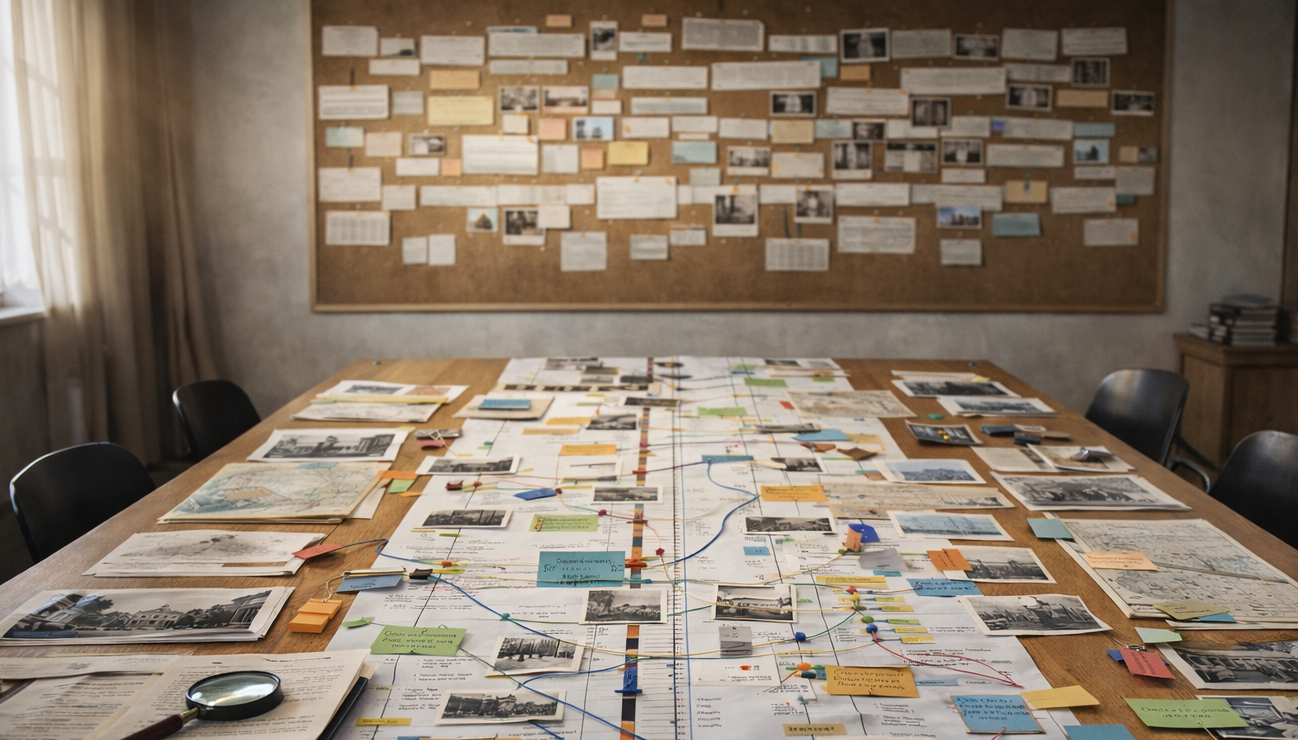
Timelines are powerful storytelling tools that condense complex events into a clear sequence. They help readers see cause and effect, patterns, and turning points at a glance. A well-constructed timeline supports both casual visitors and researchers by combining clarity with context. This article outlines practical design choices and presentation strategies to make timelines more engaging and informative.
Why timelines matter
Timelines transform sprawling narratives into accessible frameworks that highlight relationships between events and eras. By arranging items chronologically, they allow audiences to compare developments across time, spot recurring themes, and appreciate the pace of change. For public-facing sites, timelines can bridge gaps between academic content and general interest, making history approachable without oversimplifying. Good timelines also invite exploration, prompting users to dive deeper into specific entries.
When built with attention to scale and clarity, timelines become entry points for broader learning rather than mere decorative elements. They should prioritize readability and encourage further investigation through clear labels and links.
Designing a balanced timeline
Effective timelines balance granularity with readability by grouping closely related events while preserving key dates. Choose an appropriate scale—decades, years, or days—based on the subject and intended audience, and be consistent in visual spacing to avoid misleading interpretations. Use brief, descriptive captions for each entry, and consider color or icon cues to differentiate categories such as political, cultural, or technological events. Avoid clutter by limiting text per entry and providing expandable details or links for deeper context.
Accessibility matters: ensure sufficient contrast, legible fonts, and keyboard-friendly navigation so the timeline serves diverse users. A clear legend and concise introductions help orient readers quickly.
Tools and presentation tips
Various tools exist for creating timelines, from simple image-based designs to interactive web components that support zooming and filtering. Select tools that allow responsive layouts so timelines work across devices, and prefer formats that let you add metadata for searchability and future maintenance. Interactivity, such as hover details or filters by theme, enhances engagement but should never replace a straightforward linear view for those who prefer a quick overview.
Test your timeline with actual users and iterate based on feedback, focusing on clarity, load performance, and how easily readers find additional resources. Regular updates and clear versioning will keep the timeline reliable over time.
Conclusion
Thoughtful timelines communicate complexity through ordered, readable presentation. They guide users from overview to detail while preserving historical nuance. With careful design and testing, timelines become enduring educational tools that invite continued exploration.