

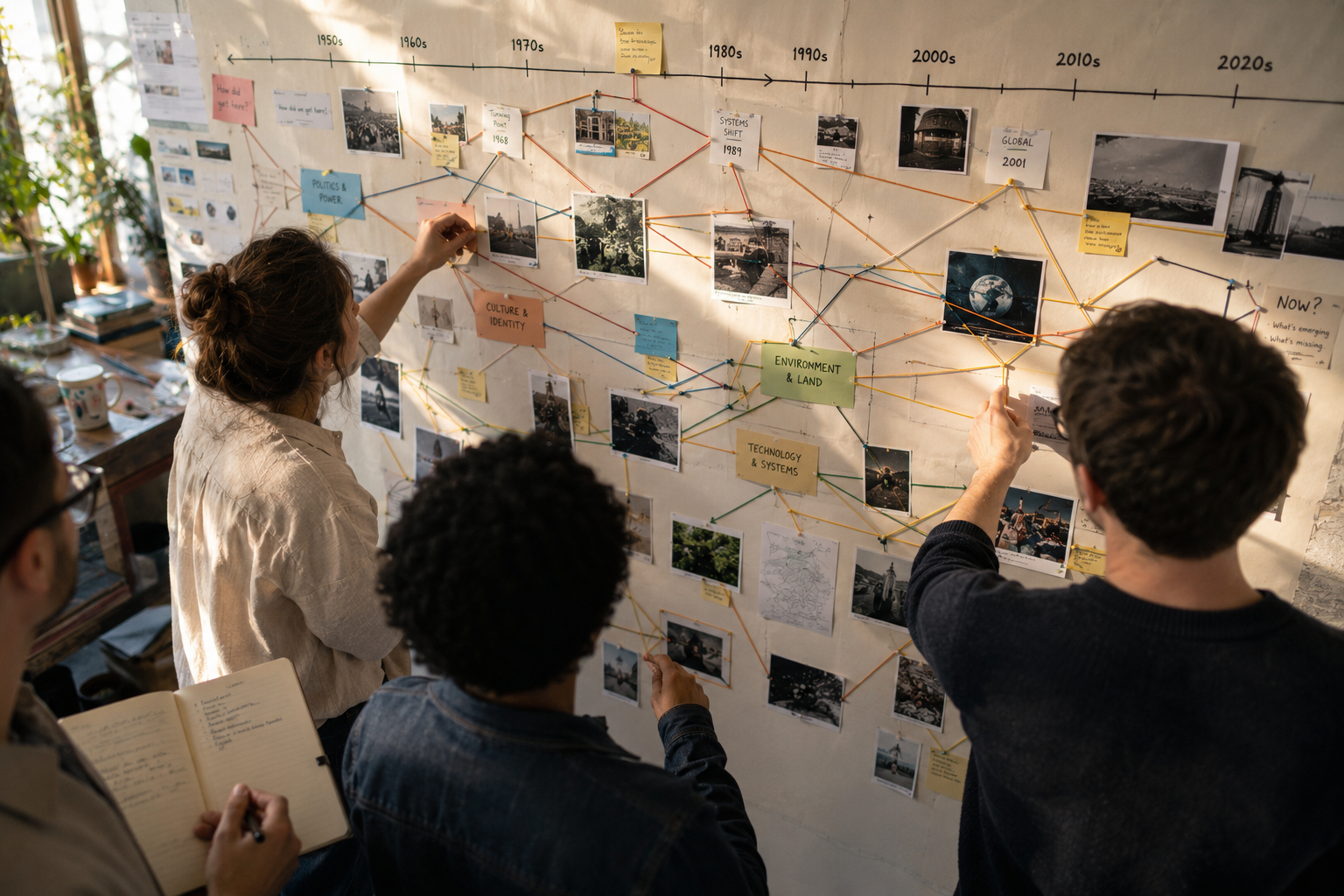
Well-constructed timelines do more than list dates; they invite exploration and reveal relationships across periods. When designers think in terms of pathways, they create routes that help visitors follow themes, see causation, and return to points of interest. This approach balances chronology with narrative choice so audiences can pursue different levels of detail. A pathway-oriented timeline supports both quick overviews and deeper inquiry without overwhelming users.
Pathways are useful for museums, educational sites, and community history projects that want to make time feel navigable. They encourage repeated visits and sustained engagement.
Principles of Pathway Design
Start by defining clear entry points that match common audience goals: orienting context, thematic threads, or key events. Use hierarchy to differentiate primary milestones from supporting details so users can scan quickly and drill down as desired. Maintain consistent visual cues and temporal scaling so the same patterns signal the same kinds of relationships throughout the timeline. Prioritize context by linking events to causes, consequences, and contemporary conditions.
- Establish thematic lanes to allow parallel narratives without clutter.
- Anchor long spans with representative events to prevent sense of drift.
- Offer varied granularities: decade, year, and event levels.
These principles keep pathways legible across formats and audiences. Thoughtful consistency reduces cognitive load and improves retention.
Designing for Different Audiences
Different users come with different intentions: casual browsers want compelling signposts while researchers need precise sourcing and chronology. Create layered content so the same timeline supports both quick reads and detailed review without duplicating material. Use plain language summaries for general readers alongside expandable annotations and citations for specialist visitors. Consider accessibility needs by providing alternative text, keyboard navigation, and clear color contrast.
Mapping personas and testing prototypes with representative users reveals common breakpoints. Iteration based on feedback ensures pathways remain intuitive and relevant.
Tools, Scale, and Interactivity
Choose tools that match the scale of your dataset and the level of interactivity you want to support. Lightweight static timelines work well for limited collections, while database-driven tools handle large, evolving corpora and filtering needs. Interactivity such as filtering, search, and linked primary sources turns a passive display into an exploratory environment. Plan performance and responsive behavior early so pathways function smoothly on different devices.
- Implement progressive disclosure to reveal detail on demand.
- Provide export or print-friendly views for educators and researchers.
Well-chosen tools amplify design choices and help sustain timelines over time. Aim for maintainability as much as initial polish.
Conclusion
Designing timeline pathways centers the visitor experience and transforms chronology into a navigable narrative. Focusing on entry points, hierarchy, and interactivity helps audiences find meaning at their own pace. Regular testing and clear maintenance plans keep timelines useful and engaging over time.